
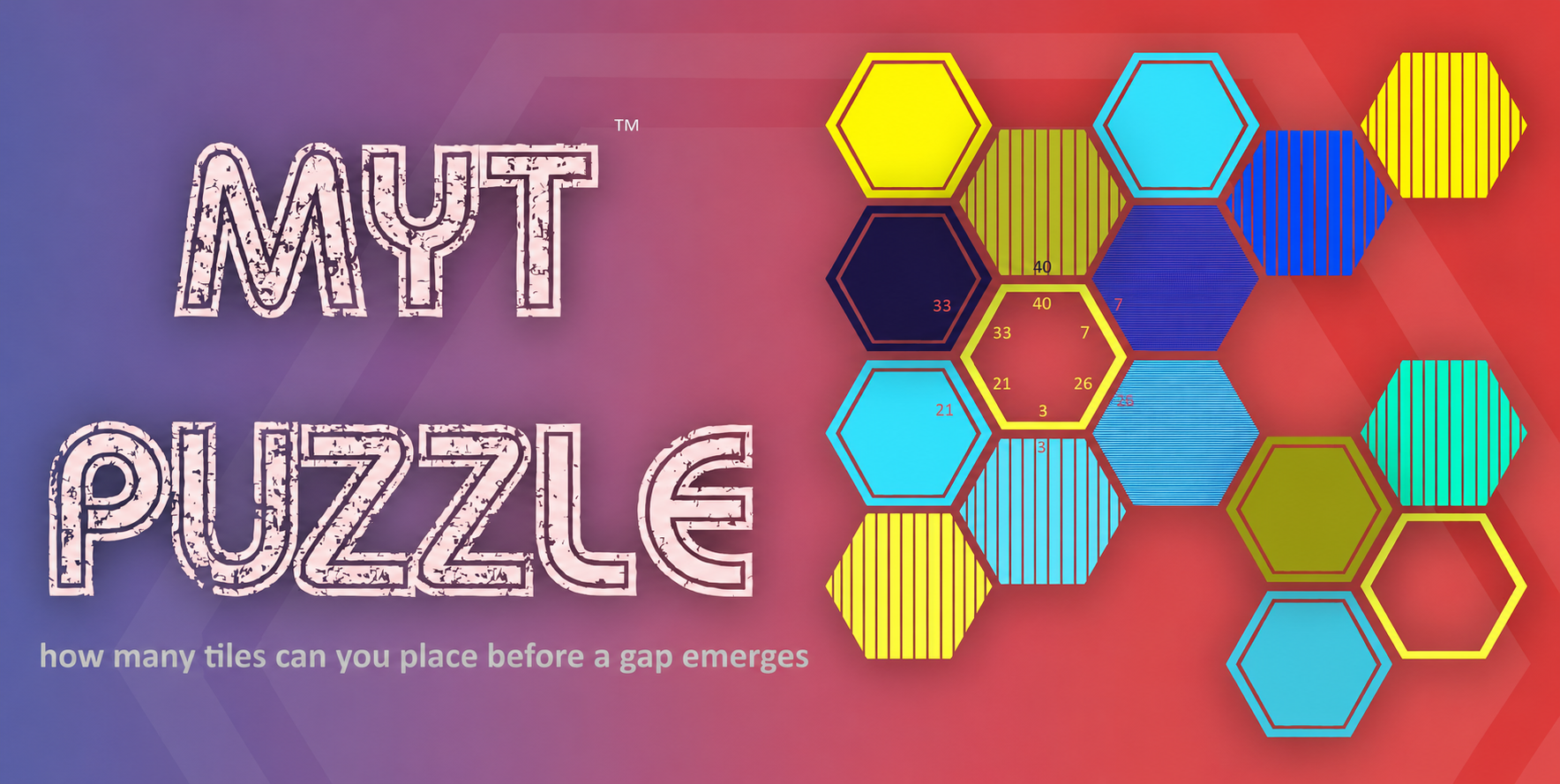
Hexagon or Pentagon.
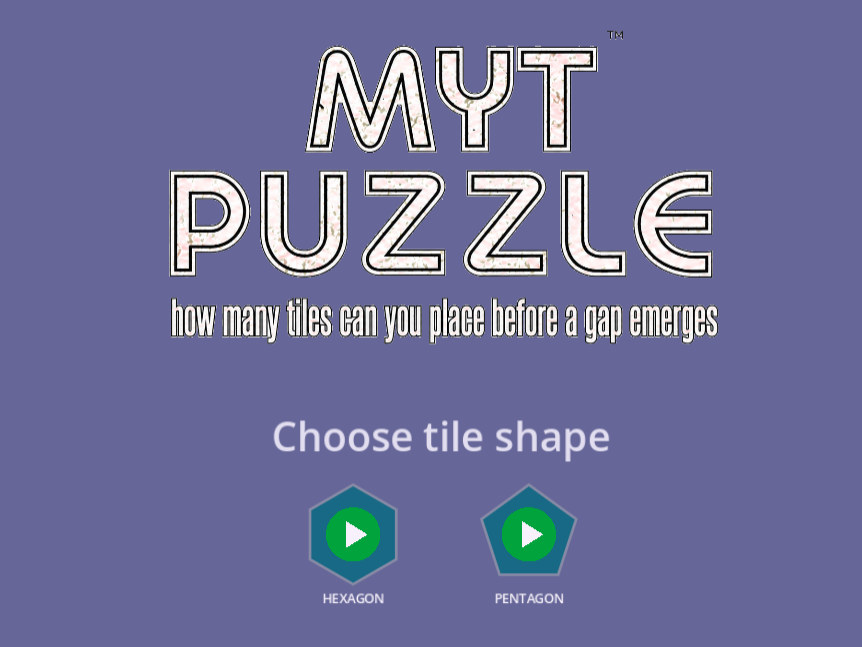
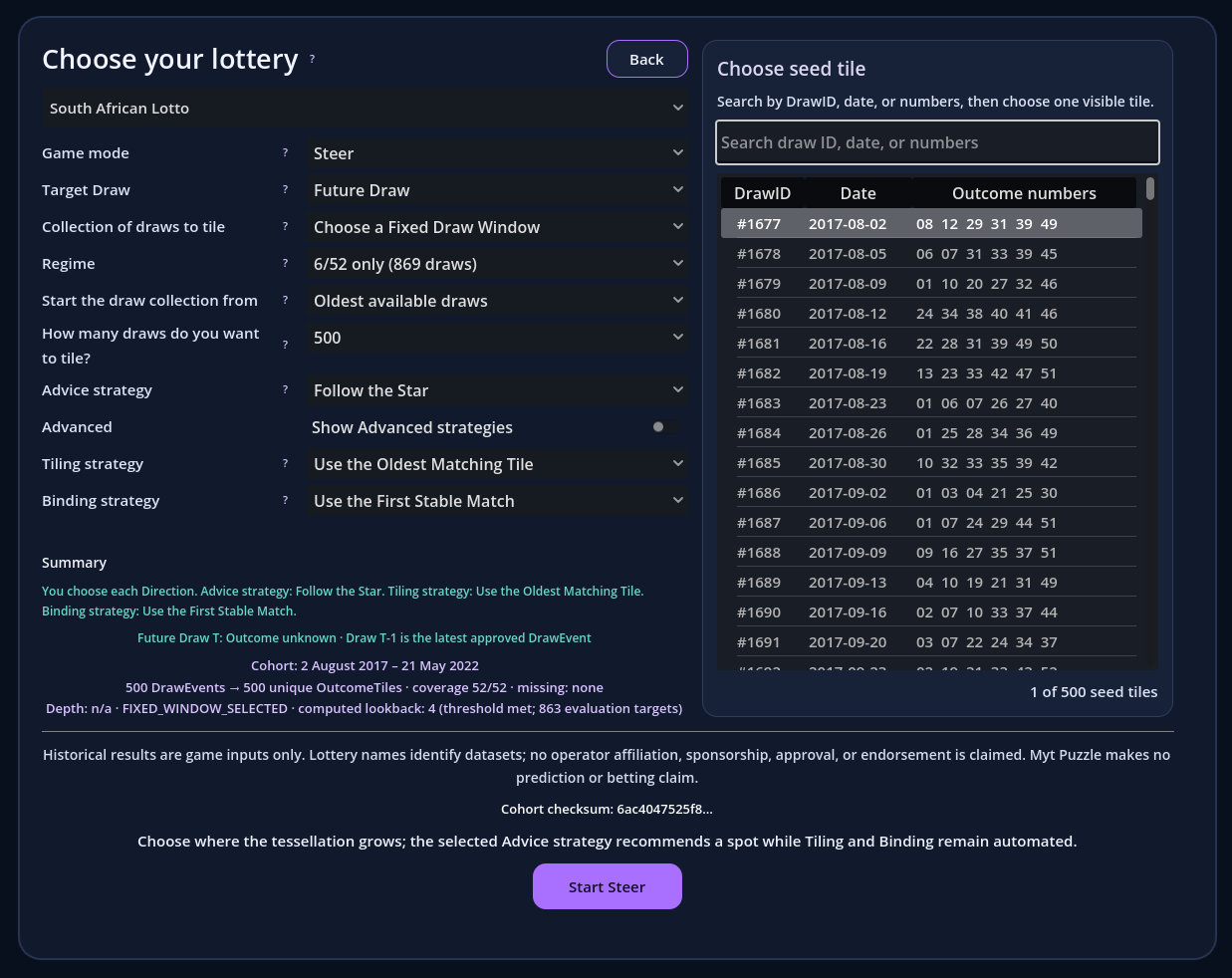
Choose the history. Choose the seed.
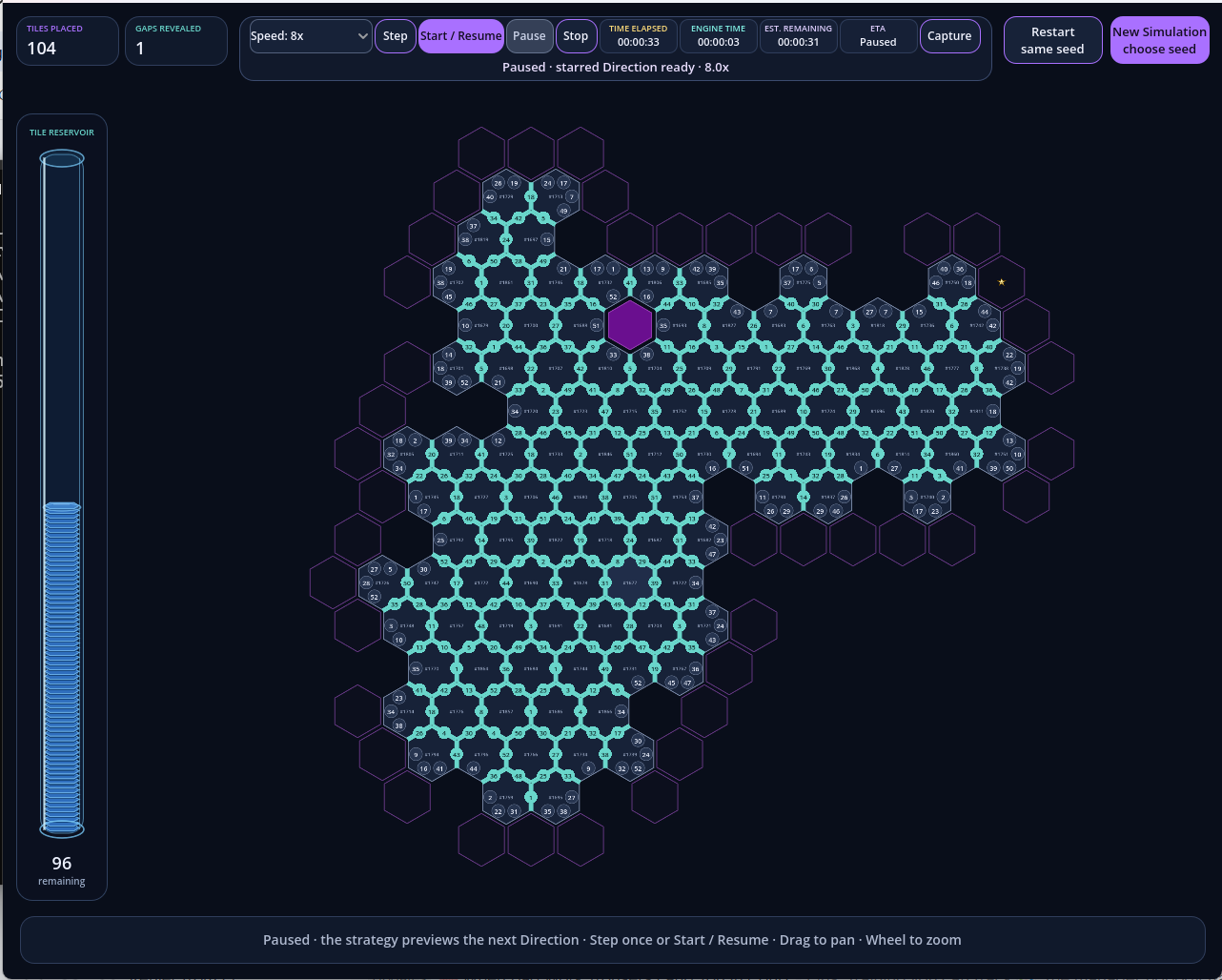
No board is drawn in advance.
The Challenge
The board is never given. It emerges.
Historical draw Outcomes become unique numbered tiles. You choose Direction—the legal empty cell where the tessellation should grow. The engine chooses a compatible tile and dynamically binds matching free numbers to every new shared edge. Earlier spatial choices shape what remains possible.
Choose a seed
Begin with any validated unique OutcomeTile in the selected history.
Choose Direction
Click or tap any purple outlined playable frontier cell.
Watch it bind
The engine selects a legal tile and permanently binds equal numbers.
Change the future
Every placement reshapes the possibility space for your next choice.
Guidelines
Everything useful. Nothing in the way.
Open only what you need. The complete pre-release, technical, privacy and legal information remains here for informed testers.
01 How to play Your decisions, the engine’s deterministic placements
What you control
Choose the seed, then choose Direction by selecting any current purple PlayableFrontierCell. Strategy advice may recommend a spot, but it never removes your other legal choices.
What the engine controls
The engine deterministically chooses the legal OutcomeTile and complete BindingSolution for your selected cell. Tiles do not rotate; numbers bind dynamically as adjacencies are made.
What the counters mean
- Tiles Placed is the score.
- Gaps Revealed is a separate positive count, not a penalty.
- Time Elapsed is a pace indicator, not part of the score.
There is no fixed board, predetermined solution, winner or predictive claim. The tessellation grows from actual placements.
02 Before you enter What invitation-only pre-release testing means
Myt Puzzle is unfinished and is being released to invited testers to evaluate gameplay, usability, compatibility and performance. Features, rules and saved test data may change or be reset.
- Your account is personal and non-transferable.
- Do not share your username or password.
- Do not publish, stream or redistribute test material.
03 Supported test setup The controlled configuration for this test round
Supported
- Computer: Windows 10 or Windows 11 desktop or laptop
- Browser: Latest stable 64-bit Google Chrome
- Graphics: WebGL 2 and hardware acceleration enabled
- Display: 1280 × 720 minimum; 1920 × 1080 recommended
- Input: Mouse or trackpad
- Connection: Stable internet access
Outside this test round
Mobile phones, tablets and browsers other than Google Chrome are not part of the supported test configuration.
They may work, but faults found only on an unsupported setup may not be investigated during this round.
04 Important information A puzzle, not a promise
Historical dataset
Myt Puzzle uses historical lottery draw records as source material for numbered puzzle tiles. Records may contain errors, omissions, duplicates or later corrections. Myt Technologies does not warrant that any dataset is complete, current or error-free.
Independent product
Myt Puzzle is independently developed by Myt Technologies (Pty) Ltd. It is not affiliated with, endorsed by, sponsored by, approved by or connected to any lottery operator, regulator, results publisher, gambling operator or government lottery body. Third-party names identify source datasets and remain their owners’ property.
No prediction
Myt Puzzle is an experimental puzzle game. It does not predict future lottery results, identify winning numbers, improve the odds of winning, or provide financial, statistical, gambling or betting advice.
No betting
No wager can be placed through Myt Puzzle, and the test offers no cash prize or gambling return. Do not use game outputs to select lottery numbers or make betting decisions.
05 Privacy during testing Limited logging for specific purposes
What may be recorded
Account identifier, login and access times, IP address, browser and device details, gameplay events, saved state, technical logs and feedback you submit.
How it is used
To authenticate access, secure the test, investigate faults and evaluate the build. Identifiable records are deleted or anonymised when no longer reasonably needed.
Your control
Reply to your invitation email and/or WhatsApp message to request access, correction or deletion, withdraw from the test, or raise a privacy concern.
Keep feedback safe
Never include passwords or sensitive personal information in feedback. Passwords must not be written to application logs.
06 Send useful feedback Tell us what happened—not merely that it happened
Reply to your invitation email or WhatsApp message (you may call the WhatsApp number). Specific reports help us reproduce the fault and fix the right thing. You need not worry about not sharing everything suggested in the list on the right. What is important is YOUR EXPERIENCE. YOUR STORY.
Subject: MYT PUZZLE TEST — [username] — [short issue]
Never send your password.
- Date, time and time zone
- Where you were in the game
- What you did immediately before the issue
- What you expected and what actually happened
- Whether it happens every time
- Chrome and Windows versions
- Screenshot or short recording, where safe
- Severity: Blocker, Major, Minor or Suggestion
Ready?
Place the first tile.
Play Myt Puzzle
Opens the secure test site. Invitation account required; credentials are non-transferable.